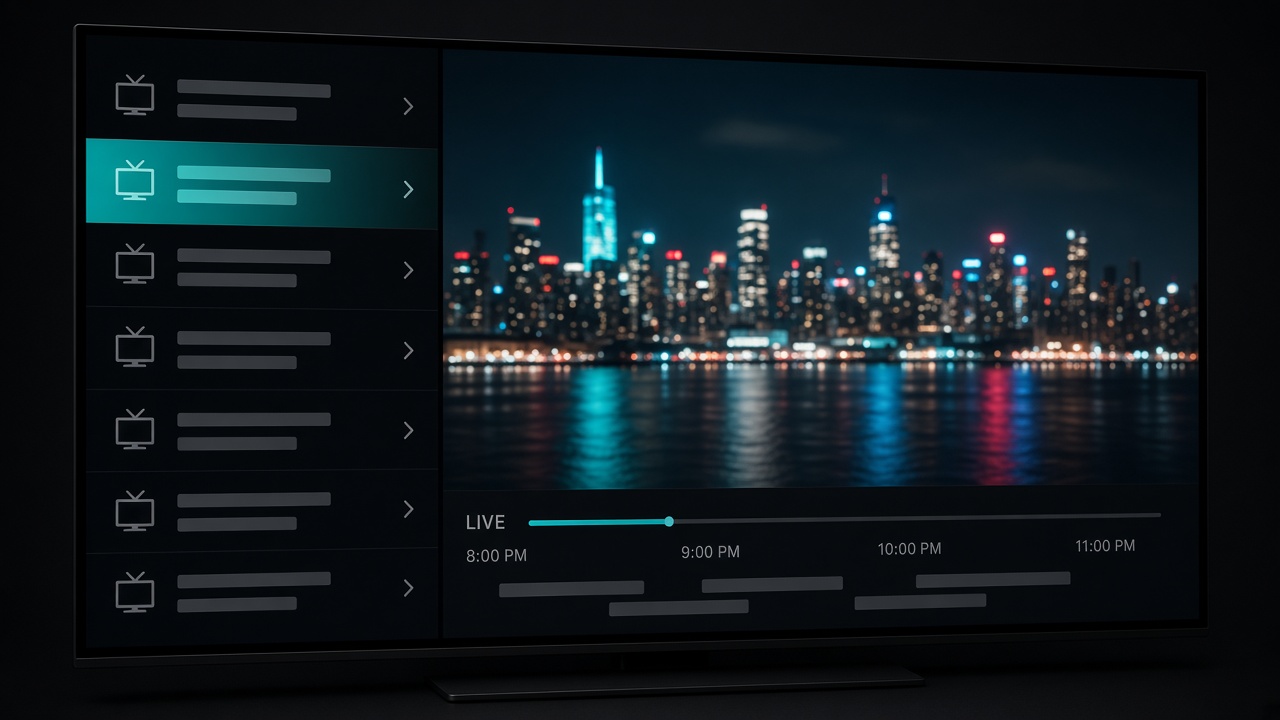
Your channel order
Hold OK on Live to rearrange groups and channels — keep the line-up that fits you.
More than TV
Live TV - Movies - Series - Catchup - All in one modern TV app
 LG webOS
 Samsung Coming soon
 Philips Titan OS
 Hisense Coming soon
 Android Coming soon
 Whale Coming soon
 Live TVChannels & EPG
 MoviesAlways fresh
 SeriesPick up where you left off
 CatchupWhat you missed
 One TVOne licence
 Your sourceXtream / M3U / Portal
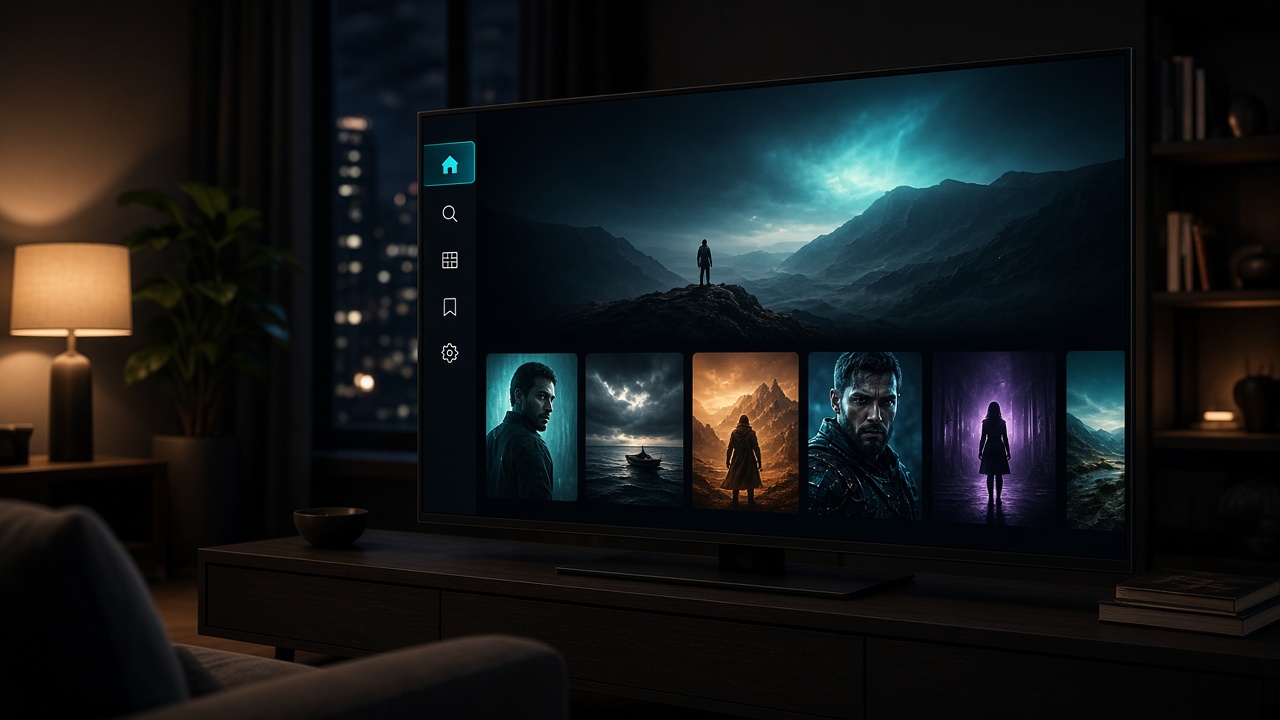

Built around you
Live TV, films, series and catchup — with a remote-friendly layout made for the sofa
Home & menu
Jump to Live, movies, series or catchup from the side menu — the picture stays clear
Pick Classic or Modern look; the remote works the same
 Side menu
 Classic / Modern
 TV remote
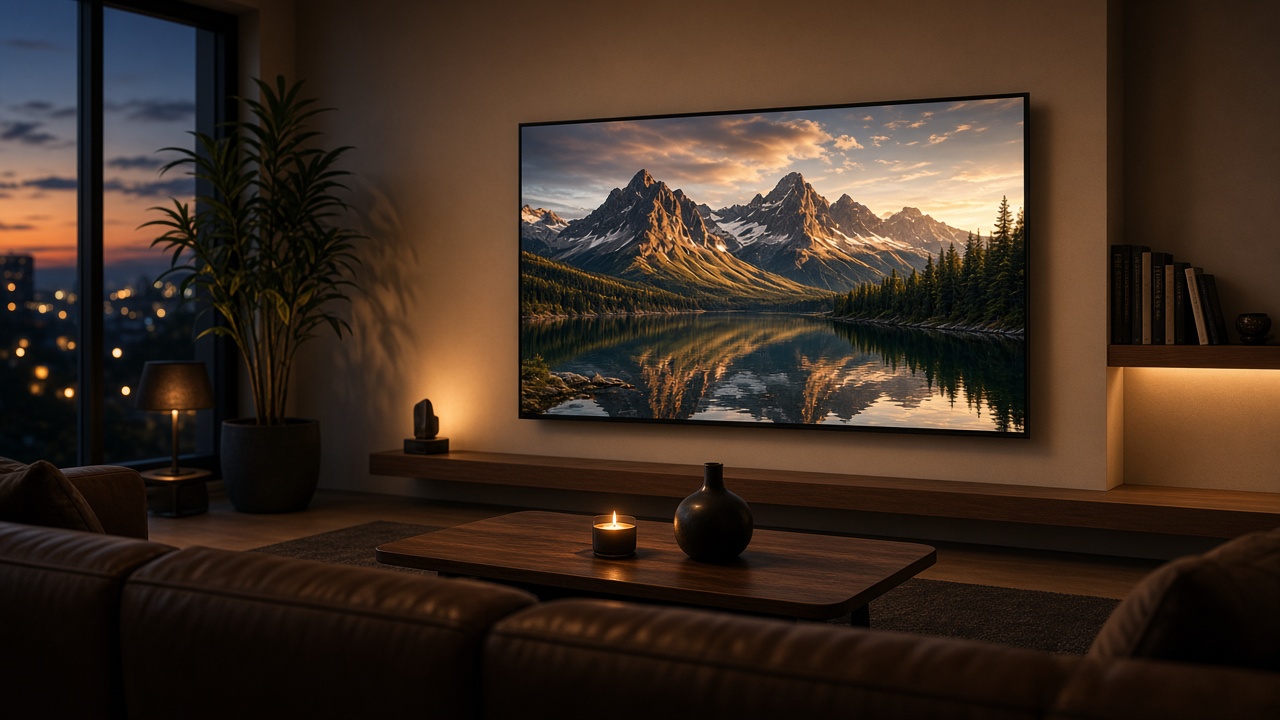
Live TV
Browse groups, star favourites, switch channels in full screen
See what’s on now, search, and arrange channels in the order you like
 EPG
 Favourites
 Full-screen zap
 Your channel order
 Search
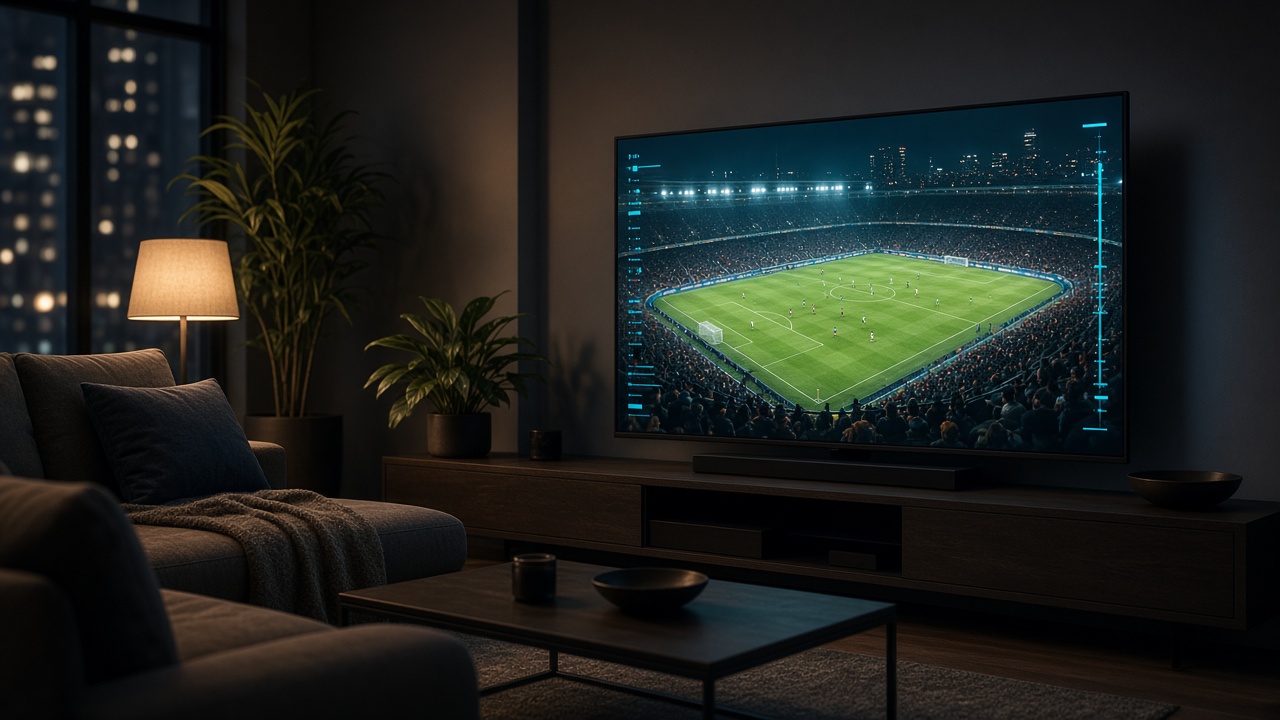
Movies & series
Pick a title, resume where you left off, save favourites<br>Subtitles via OpenSubtitles — seasons and episodes stay in one place
 Continue watching Favourites
 Subtitles
 Seasons & episodes
Catchup
Open yesterday’s shows when your source offers catchup
Pick a day, find the programme, watch on the TV
 TV archive
 By date Search
Sources
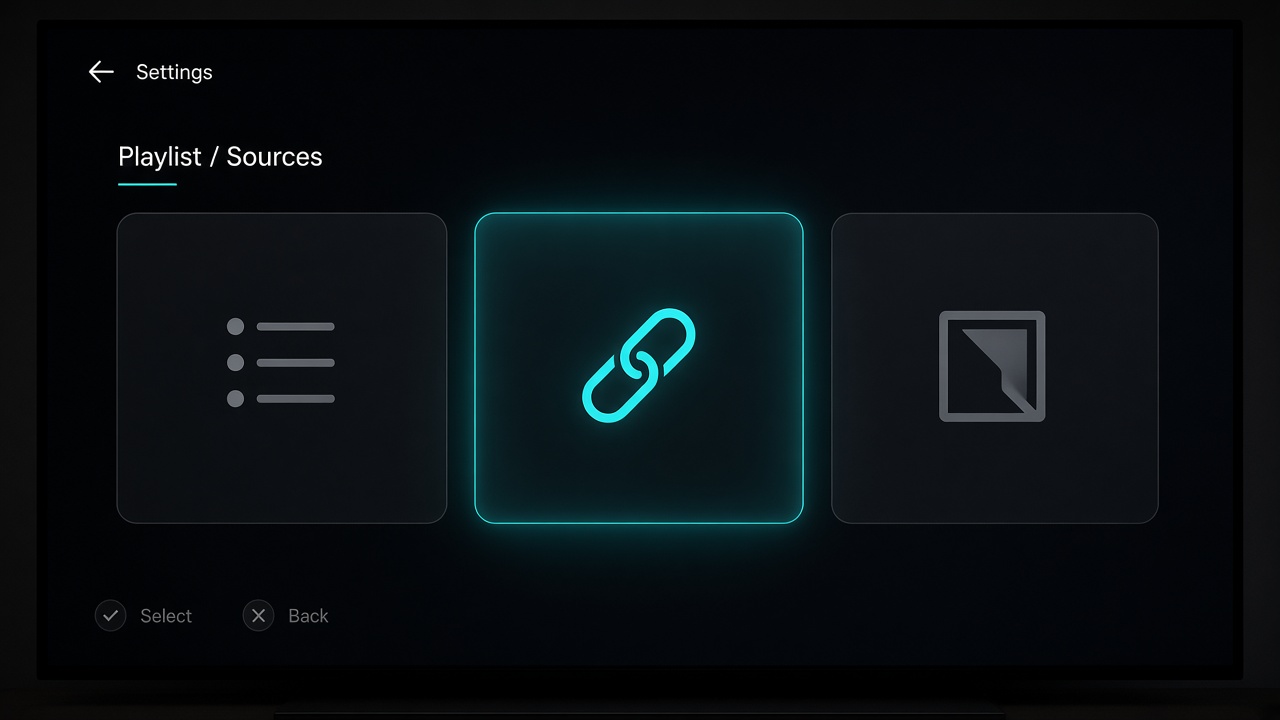
Xtream, M3U link or Portal — you add a lawful source, MemaOTT plays it on the TV
Edit lists with the remote, or fill them from your phone
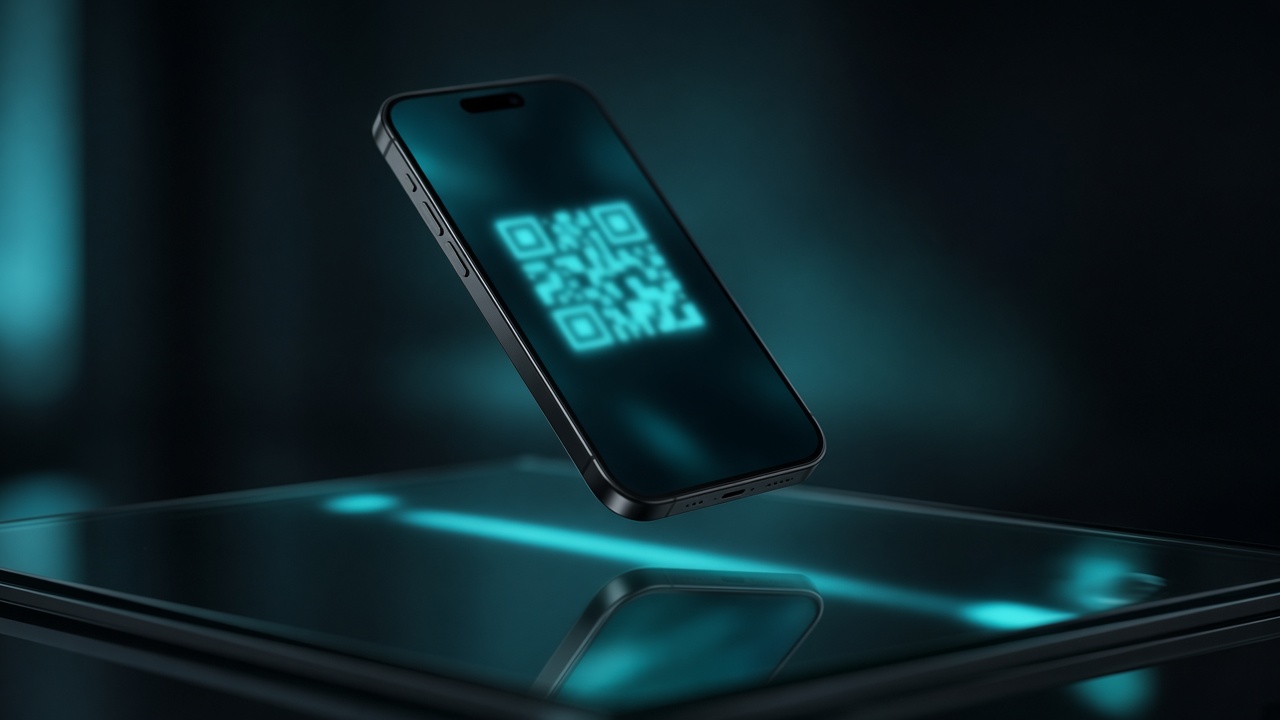
QR Scan the code on the TV — finish the form on your phone
 Xtream
 M3U
 Portal
 QR
Everyday extras
Small touches that make daily watching easier — no jargon, just the remote
Hold OK on Live to rearrange groups and channels — keep the line-up that fits you.
OpenSubtitles in the player — size, colour and language the way you like.
Scan a QR to add a playlist, paste a gateway, or send a backup from your phone.
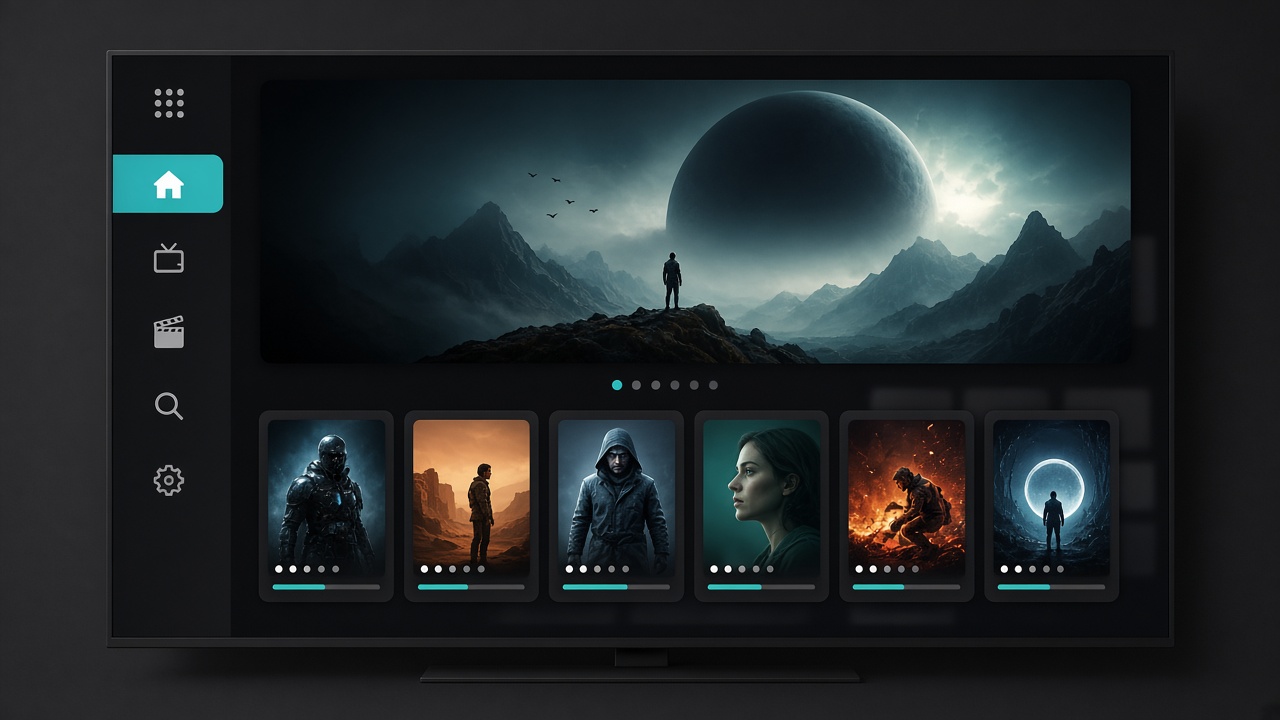
Classic tiles or a modern sidebar — same features, pick what feels right.

Lock adult groups behind a PIN so the whole household can share the TV safely.
Save playlists and settings, then restore them on the same or another TV after a reset or replacement!

If Portal needs a special route, set a gateway in Advanced — help is one scan away.
While watching Live, peek at groups and channels without leaving full screen.
Household
Create each TV account with the same email. Sign in once on the web — every linked TV appears under Account, ready to renew or check.
 Same email
 One Account
 Licence per TV MemaOTT
Sign in with email or username and password.